

TablePress Styler: Elevate Your Divi Tables with Style
TablePress Styler is a powerful plugin designed to enhance the styling options within TablePress, a widely-used table-making plugin for WordPress. Not only does TablePress Styler provide a diverse array of styling choices, but it also seamlessly integrates with Divi, making the process of table customization simpler and more efficient. In this comprehensive article, we will delve into the myriad features offered by TablePress Styler and explore how it seamlessly collaborates with TablePress to meet your specific requirements.
**Getting Started**
To embark on your TablePress Styler journey, the initial step is to create tables using TablePress. Rather than crafting tables from the ground up, TablePress Styler’s primary focus lies in enhancing the visual appeal of existing tables within TablePress. Acting as a Divi add-on, it seamlessly complements the TablePress plugin. Once you’ve created tables using TablePress, you can effortlessly customize their appearance using the Divi Builder via TablePress Styler.
**Streamlined Integration with Divi**
TablePress Styler introduces a new module within the Divi Builder known as the “TablePress Styler module.” Traditionally, tables in TablePress were added using shortcodes, but with TablePress Styler, this step is no longer necessary as the module takes care of it for you. This modification greatly simplifies the management of tables within the Divi Builder. The first step within TablePress Styler settings is a dropdown box that allows you to select your desired table. Upon opening the dropdown, you’ll find a list of all the tables you’ve created in TablePress. Simply choose the table you wish to display, and it will appear exactly as you created it within the TablePress editor.
**Complete Design Control**
TablePress Styler grants you full control over the design of your table, eliminating the need to revert to the TablePress editor for adjustments. You can modify various aspects of your table’s setup, elements, columns, rows, parameters, buttons, and more. Some of these advanced settings may require TablePress Pro (or Max) or specific TablePress extensions. In this article, we will primarily focus on the features available in the free version of TablePress.
– **Setup**: This feature allows you to customize table headers, footers, and row headers. You can enable or disable them in any combination and activate sorting and scrolling as needed.
– **Elements**: Here, you can move or disable the table name and description, enable search, information, pagination, and a selector. Pagination settings also allow you to control the number of entries displayed on each page.
– **Columns**: Adjust column widths and choose to show or hide specific columns.
– **Rows**: Display or hide specific rows based on your preferences.
– **Parameters**: This advanced feature requires knowledge of table parameters and is available in the TablePress Styler plugin.
– **Buttons**: For added functionality, buttons can be included in your table cells using TablePress Pro (or Max) or specific extensions.
– **Responsive Tables**: Ensure your tables adapt beautifully to different screen sizes with this feature, available in TablePress Pro (or Max).
– **Counter Columns**: Track and display row numbers with this functionality, available in TablePress Pro (or Max).
– **Fixed Rows and Columns**: Make specific rows or columns sticky for ease of navigation, a feature available in TablePress Pro (or Max).
– **Row and Column Order**: Rearrange the order of your rows and columns, an option offered in TablePress Pro (or Max).
– **Row and Column Filtering**: Enable users to filter rows and columns for enhanced interactivity, available with TablePress Pro (or Max).
– **Automatic URL Conversion**: For automatic URL conversion, the TablePress Automatic URL Conversion extension is required.
Each element in TablePress Styler includes independent design settings, allowing you to personalize your tables with the Divi Builder. These design options enable you to create visually stunning tables in line with your specific requirements.
**Fine-Tuning the Design**
TablePress Styler offers extensive design control, allowing you to tailor every aspect of your table to your liking. Here’s a breakdown of some key design settings:
– **Table Name**: Adjust the font, font weight, color, and size to match your desired style.
– **Description**: Style the description text to align with your design preferences.
– **Elements**: Customize font, weight, and color for various elements, ensuring a cohesive look.
– **Spacing**: Modify the space between elements, providing optimal readability and aesthetics.
– **Cells**: Fine-tune horizontal and vertical alignment, padding, and background colors to create visually appealing tables.
– **Text Settings**: Control the text within cells, maintaining consistency in style.
– **Header and Footer Settings**: Customize background colors, font colors, and text alignment for headers and footers.
– **Row Header Settings**: Tailor the appearance of row headers with background and font color adjustments.
**Icons and Buttons**
TablePress Styler makes it easy to enhance your table cells with icons and buttons. You can select icons and adjust their sizes and colors directly within the TablePress Styler module. For buttons, you can use the TablePress button shortcode, allowing for custom links and in-depth customization of button appearance.
**Adding a Personal Touch**
The Colors feature lets you modify the color or tint of alternating rows, or you can disable alternating colors for a uniform appearance. You have the flexibility to adjust row, hover, and sorting colors independently, ensuring your tables match your website’s overall aesthetics.
**Borders and Styles**
The Borders feature empowers you to specify horizontal and vertical borders, choose between inner or outer borders, and control the width, color, and style. This level of control allows you to create visually stunning tables that align perfectly with your website’s design.
**Visual Showcase**
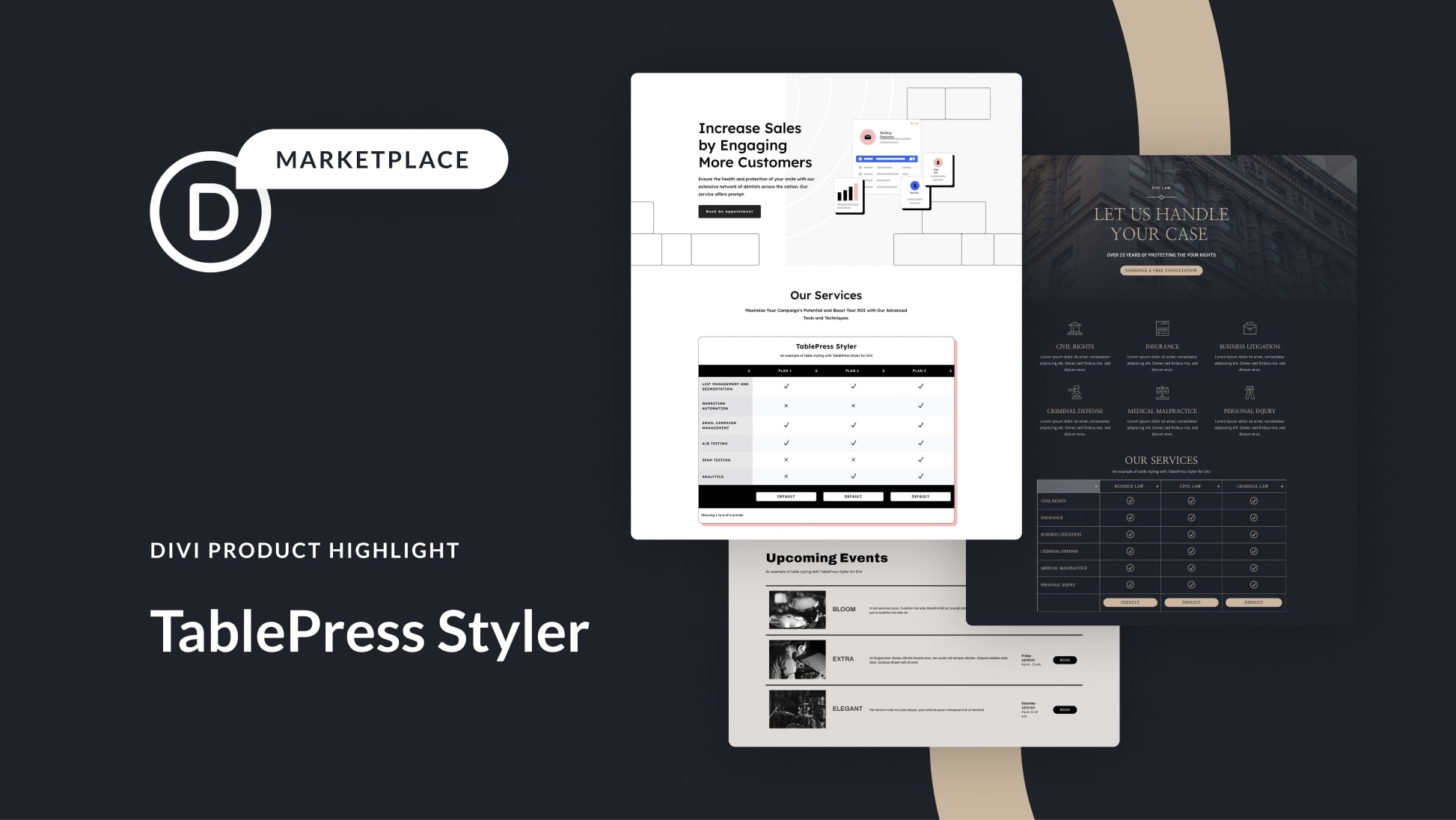
Below, you can see how the table seamlessly integrates into the Divi layout:
[Insert Image of Divi Layout with Table]
For further inspiration, here are examples of tables designed to match the Attorney Layout Pack and the Music Venue Layout Pack, showcasing TablePress Styler’s versatility and adaptability to different design requirements.
[Insert Images of Attorney and Music Venue Layouts with Tables]
**Accessible and Affordable**
TablePress Styler can be easily acquired from the Divi Marketplace for just $39. This purchase includes unlimited usage, one year of dedicated support and updates, and a reassuring 30-day money-back guarantee.
**In Conclusion**
TablePress Styler is a must-have addition to your Divi toolkit if you’re a TablePress and Divi user. It seamlessly combines these two plugins while granting you comprehensive control over table customization. The intuitive settings within the TablePress Styler module make the process as straightforward as any other Divi Module, allowing you to create beautifully styled tables that enhance the visual appeal of your WordPress website. With TablePress Styler, your tables will not only convey information effectively but also contribute to an aesthetically pleasing user experience.
