

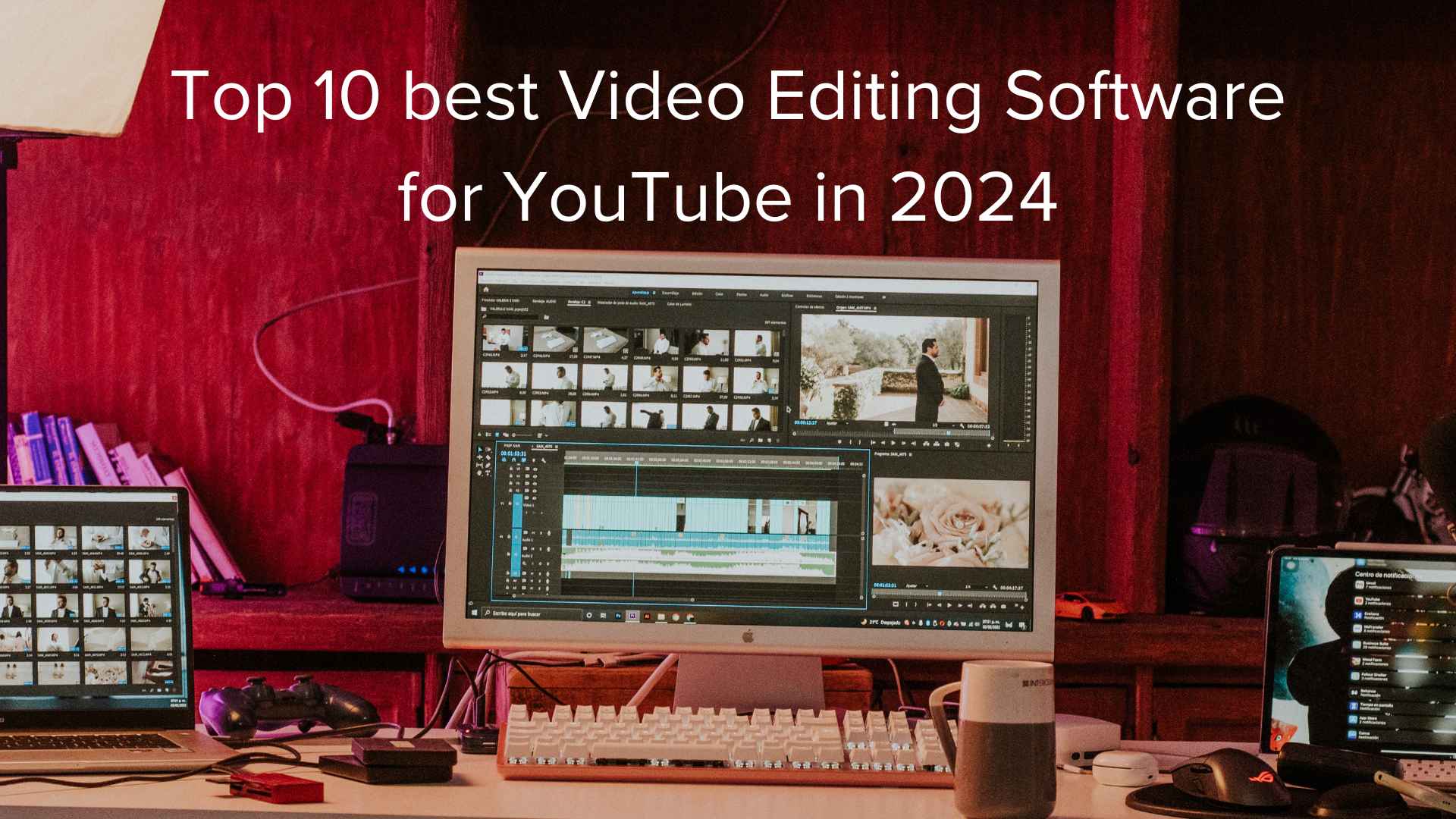
Are you a YouTuber and trying to find the Top 10 Best Video Editing Software for YouTube? Then you are in the right place. In this article, we help you to find out the free and paid best video editor software.
With its staggering daily consumption of nearly 5 billion videos, YouTube has cemented its status as the go-to platform for content creators to share their ideas, products, and talents. The vast potential for amassing a substantial following and attracting potential customers is undeniable.
In this era of endless video content, the key to success is making your content stand out. The quality of your video is pivotal, dependent on the filming equipment and editing software you employ. A high-resolution video, enriched with proper lighting and seamless editing, forms the bedrock of professional-looking content.
To aid you in achieving this level of excellence, we have meticulously curated a list of the finest video editing tools available, spanning free and paid options. These tools empower you to craft captivating and distinctive content for one of the world’s premier social platforms.
Free Best Video Editing Software for YouTube
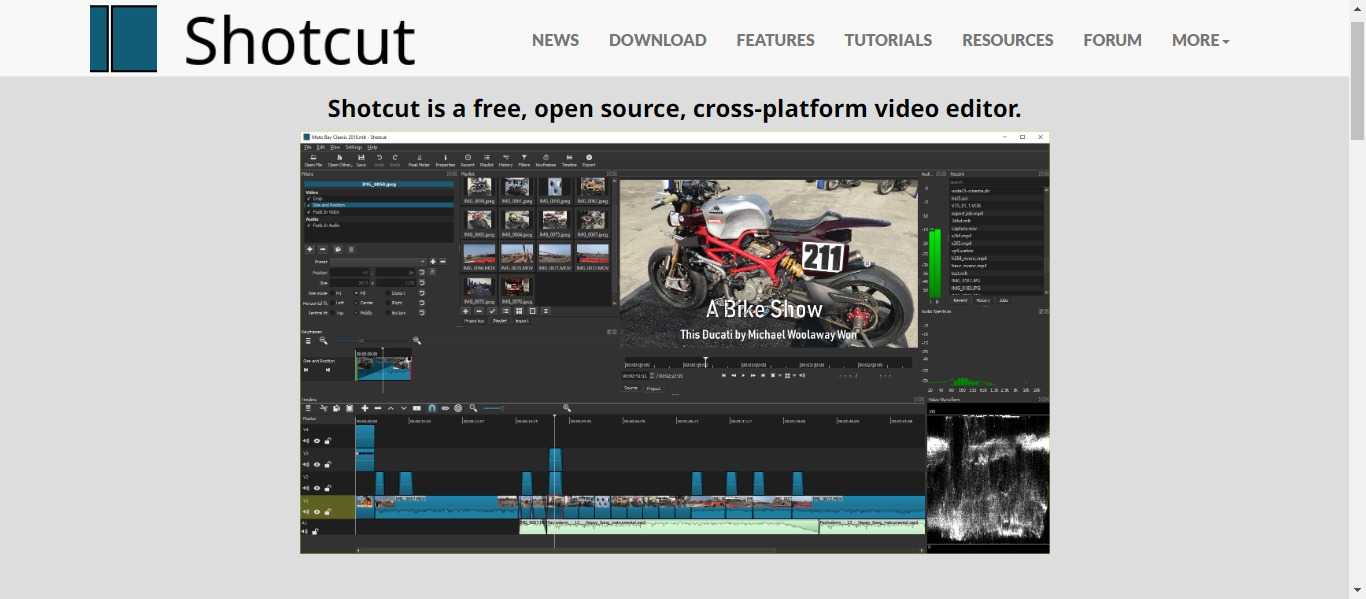
- Price: Free
- Compatibility: Windows, Mac, and Linux
- Shotcut stands as an open-source video editor akin to the now-retired Windows Movie Maker. It boasts features such as video trimming, filters, and effects, all while supporting various streaming formats. Its uncluttered interface belies its comprehensive capabilities, allowing for effortless non-linear edits.
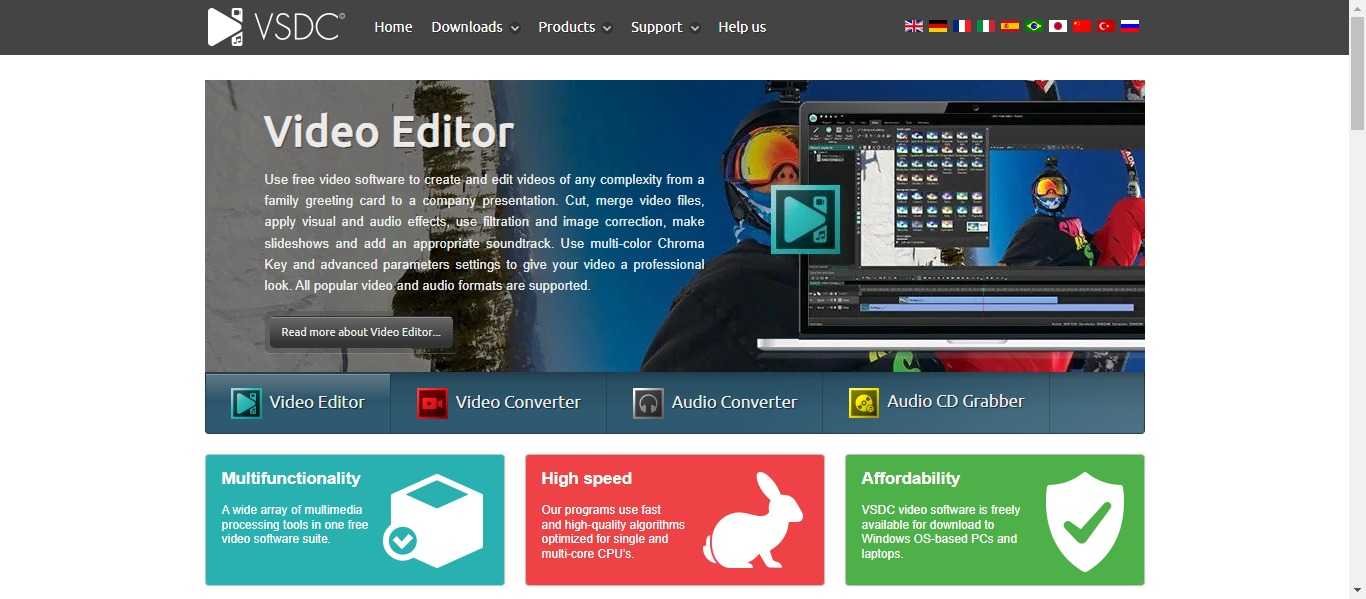
- Price: Free, or $19.99 for Pro Version
- Compatibility: Windows
- VSDC caters to YouTube vloggers with its user-friendly approach, offering an array of features including filters, voiceovers, titles, and Instagram-style effects. It even facilitates direct export to YouTube, though disabling hardware acceleration is necessary for encoding in the free version.
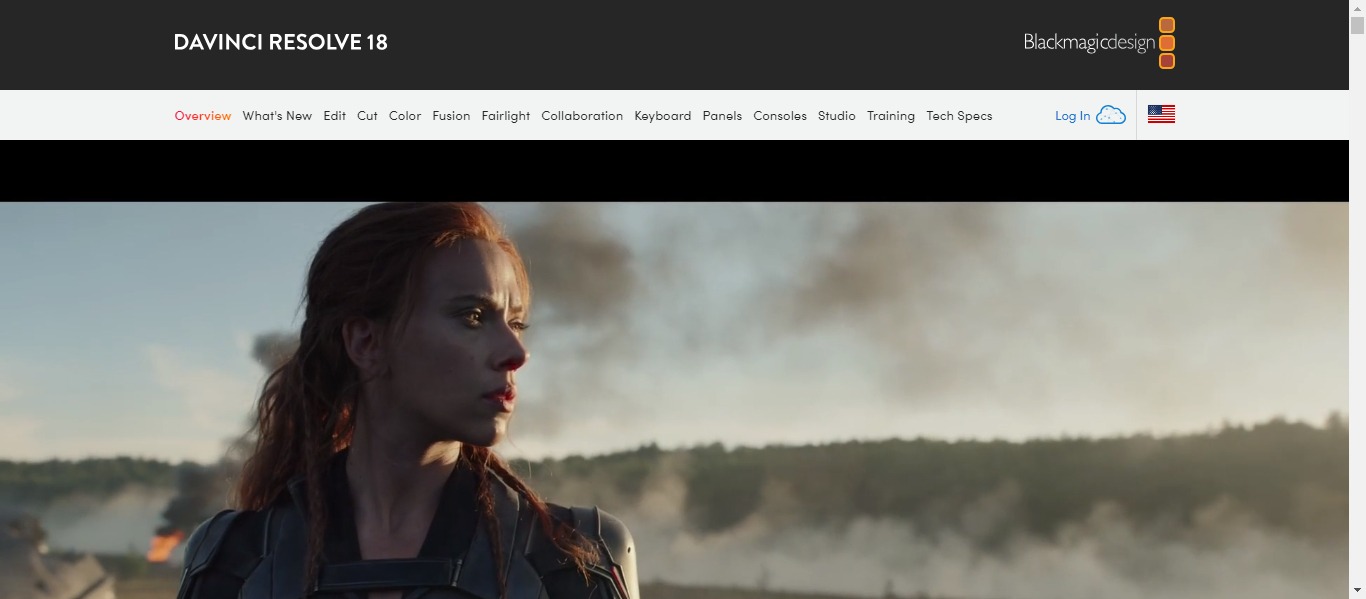
- Price: Free for DaVinci Resolve 18, or $295 for DaVinci Resolve Studio
- Compatibility: Windows, Linux, Mac
- Lauded for its professional-grade quality, DaVinci Resolve presents a comprehensive toolkit for editing, color correction, audio manipulation, and visual effects. Collaboration features and AI tools enhance the editing process, while SEO-friendly elements like Smart Bins make it a compelling choice.
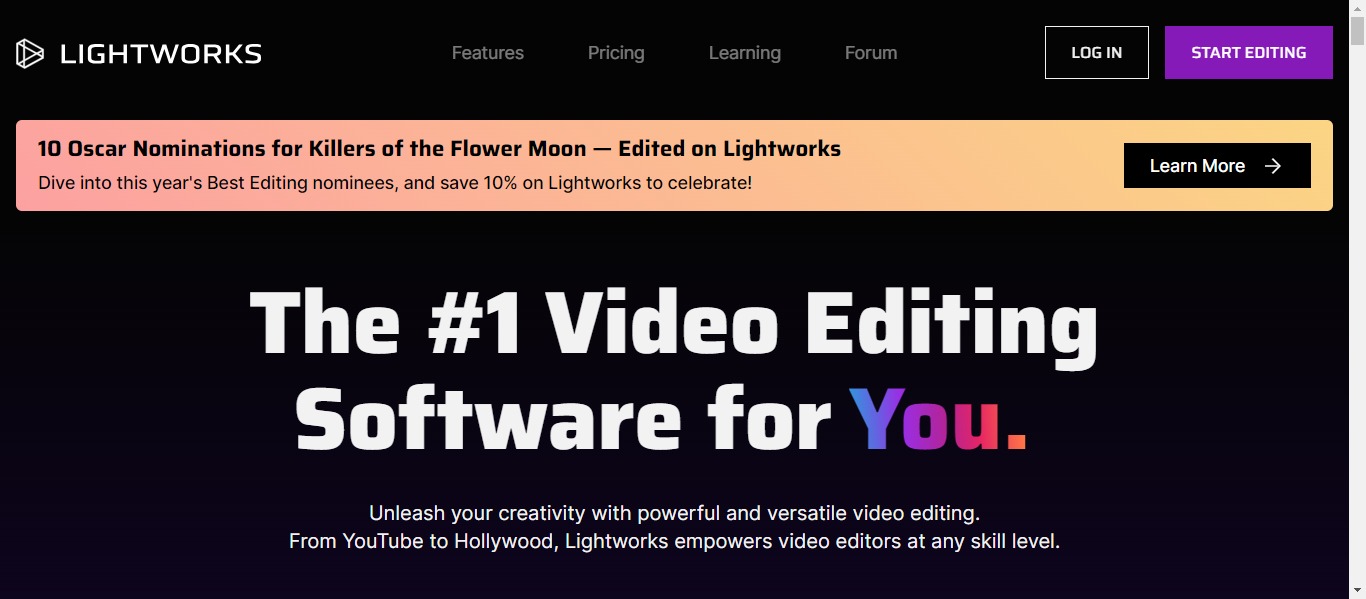
- Price: Free, $9.99 monthly for Create, or $23.99 monthly for Pro
- Compatibility: Mac, Linux, Windows
- LightWorks shines with its high level of customization, support for up to 4K resolution, and compatibility with various formats. It even provides royalty-free media content and templates, ideal for seamless transitions, which is particularly beneficial for multi-channel uploads.
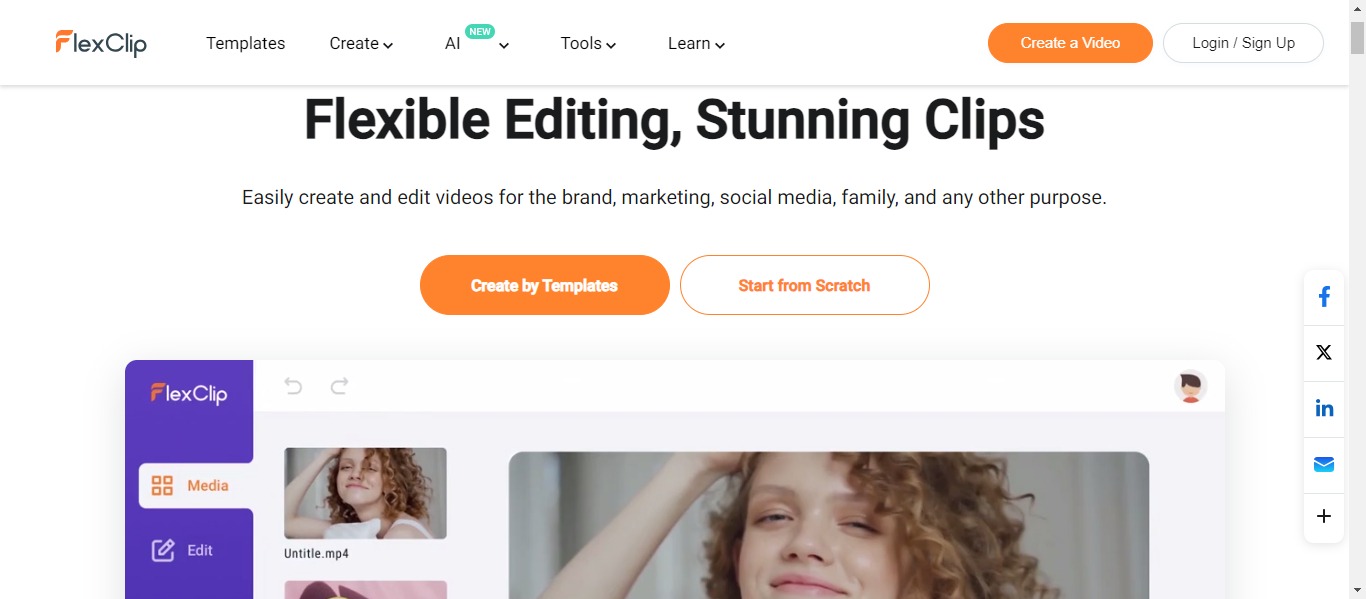
- Price: Free, $9.99 monthly for Plus, or $19.99 monthly for Business
- Compatibility: Mac, Linux, Windows
- FlexClip boasts a user-friendly interface and a free plan tailored for shorter videos. Its AI-driven features simplify video creation, encompassing text-to-speech capabilities and AI image generation.
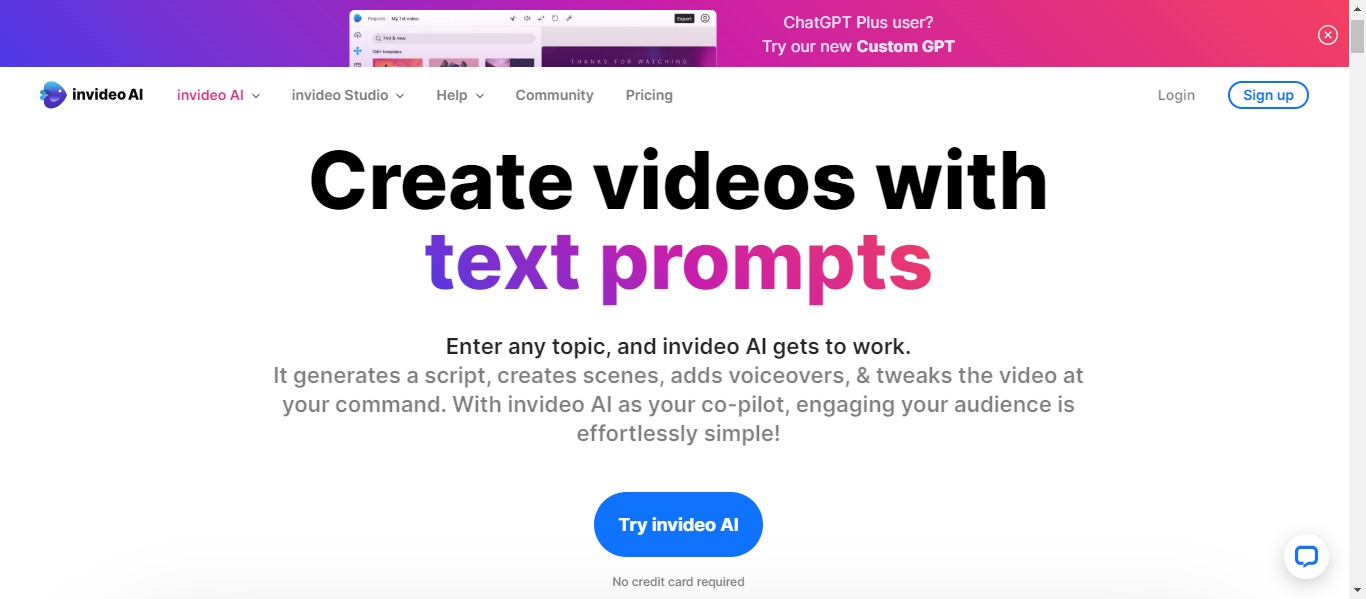
- Price: Free, $15 monthly for the Business plan, $30 monthly for the Unlimited plan
- Compatibility: Windows, Mac
- InVideo leverages AI tools to streamline template selection and video creation, making it accessible even to beginners.
Paid Best Video Editing Software for YouTube
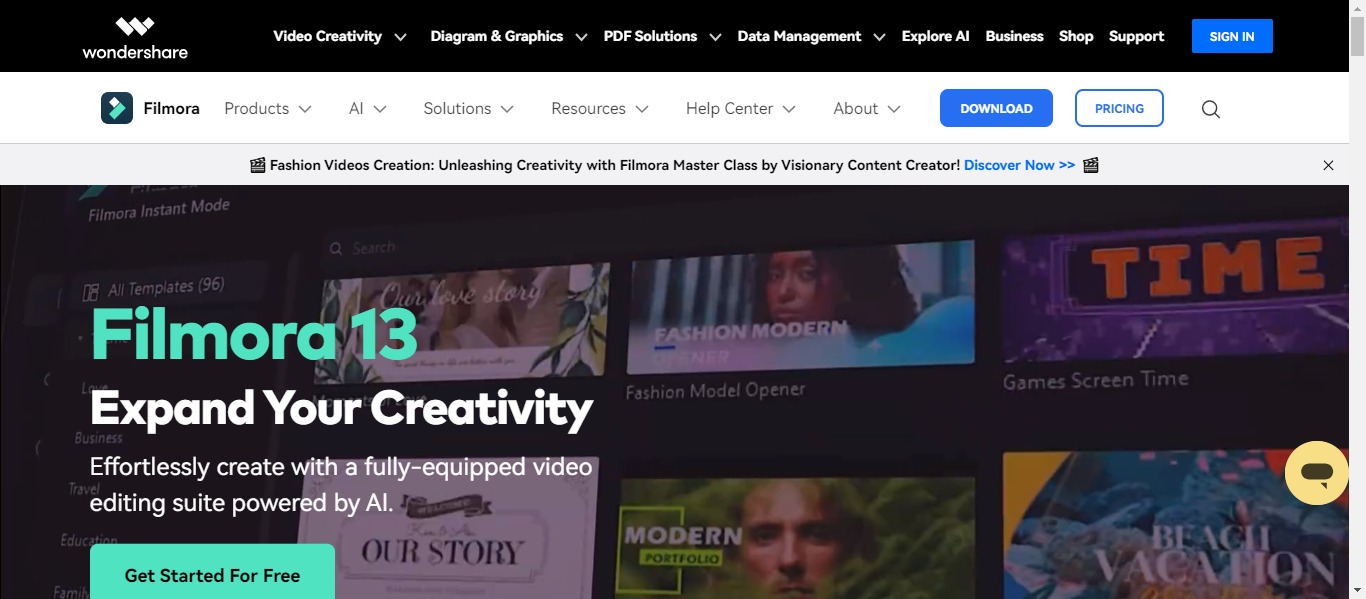
- Price: Free trial with various pricing options
- Compatibility: Windows, Mac, iOS, Android
- Filmora is renowned for its user-friendly interface and features like filters, overlays, and audio enhancements. It excels in supporting the layering of multiple clips, making it an excellent choice for combining footage.
- Price: Various pricing tiers
- Compatibility: iOS, Android
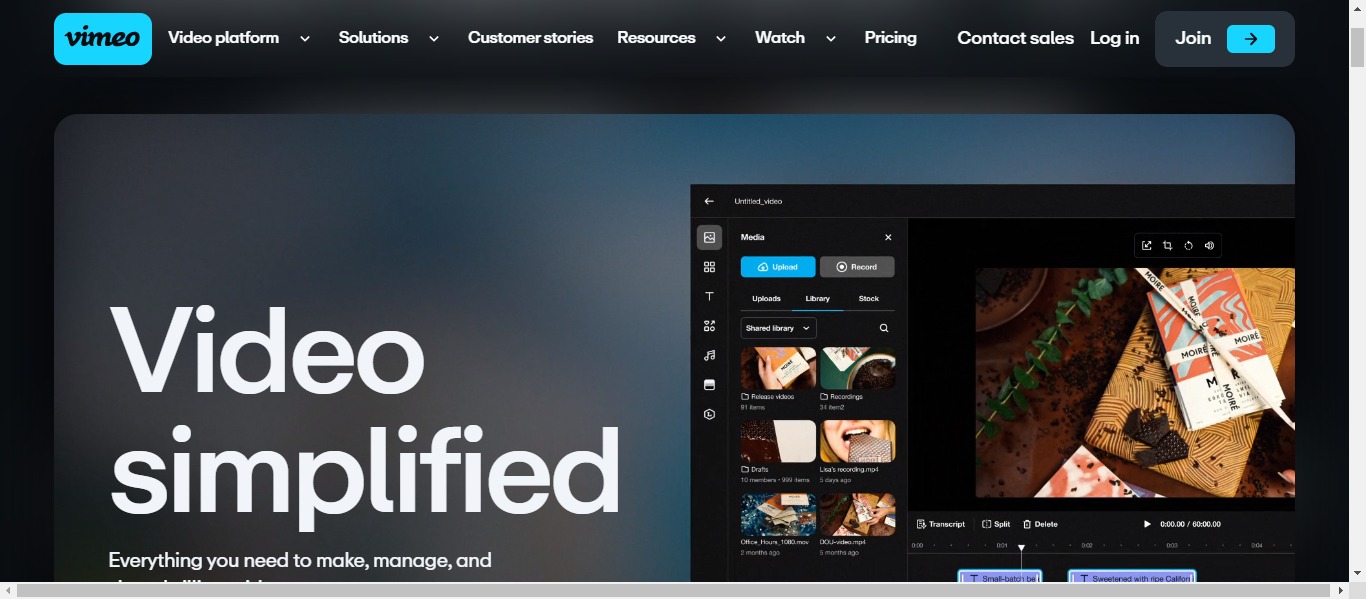
- Vimeo simplifies video editing through the application of AI, rendering it ideal for beginners. It offers auto-editing features, facial recognition, and an array of filters, streamlining the video creation process.
- Price: Free trial, contact for enterprise pricing
- Compatibility: Windows
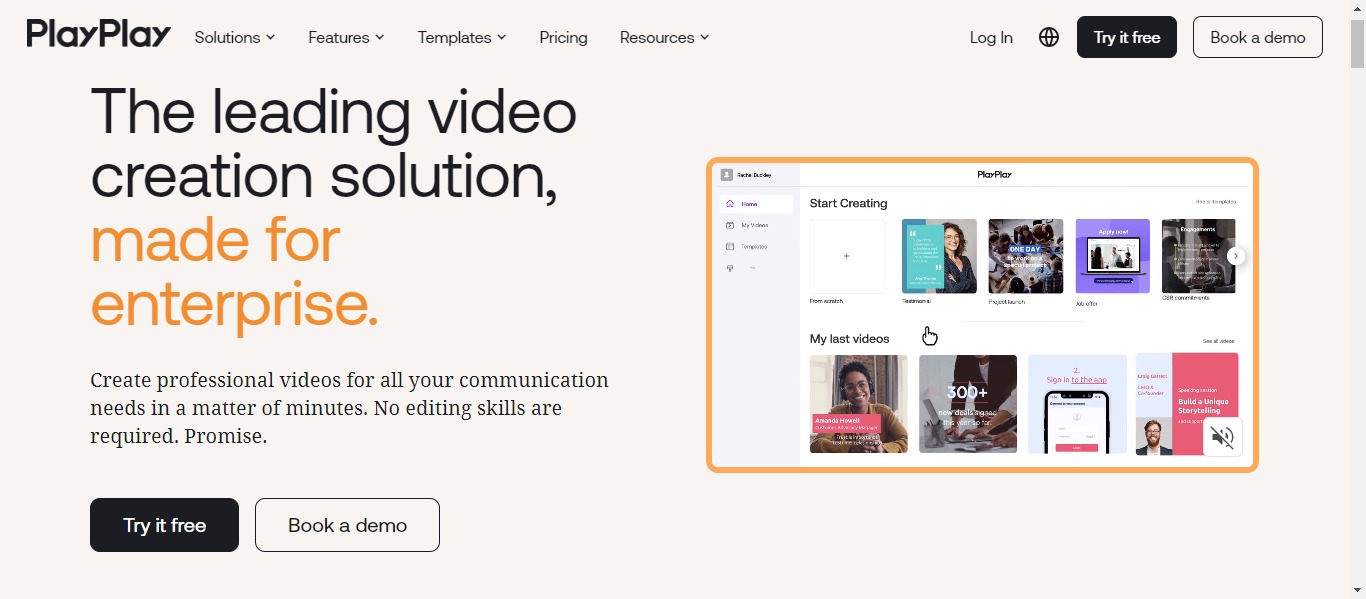
- PlayPlay targets marketing teams, providing customizable templates and an AI Assistant feature to expedite video creation.
- Price: Various pricing options
- Compatibility: Windows, Mac
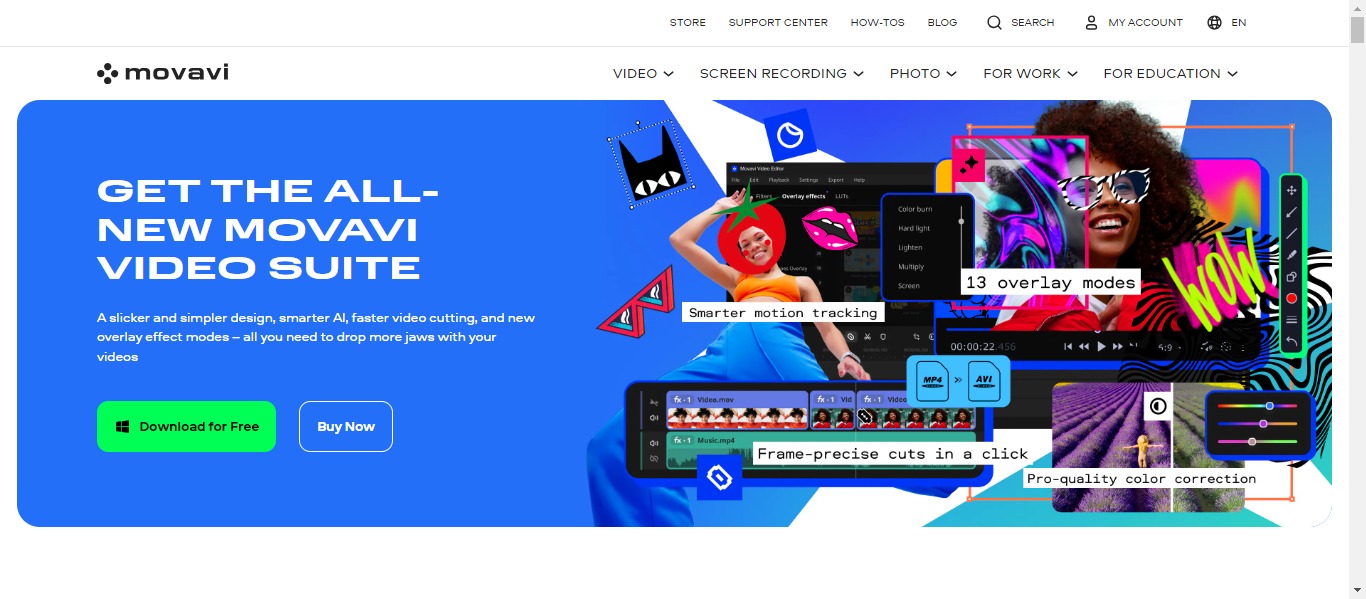
- Movavi empowers users to craft stunning videos replete with special effects and transitions, catering to both novices and experienced editors.
In the ever-evolving landscape of YouTube content creation, these video editing tools are your arsenal for crafting engaging, polished, and unique videos that captivate your audience and help you stand out in the digital crowd. So, equip yourself with the right tool, unleash your creativity, and make your mark on the platform where billions come to watch.
Free tips: Ultimate Guide to YouTube Video Advertising Campaign in 2024

1 comment
[…] composers to craft distinctive soundtracks for their content. This encompasses background music for videos, podcast intros, or digital game sound effects. Pair it with an AI voice generator for effortless […]