

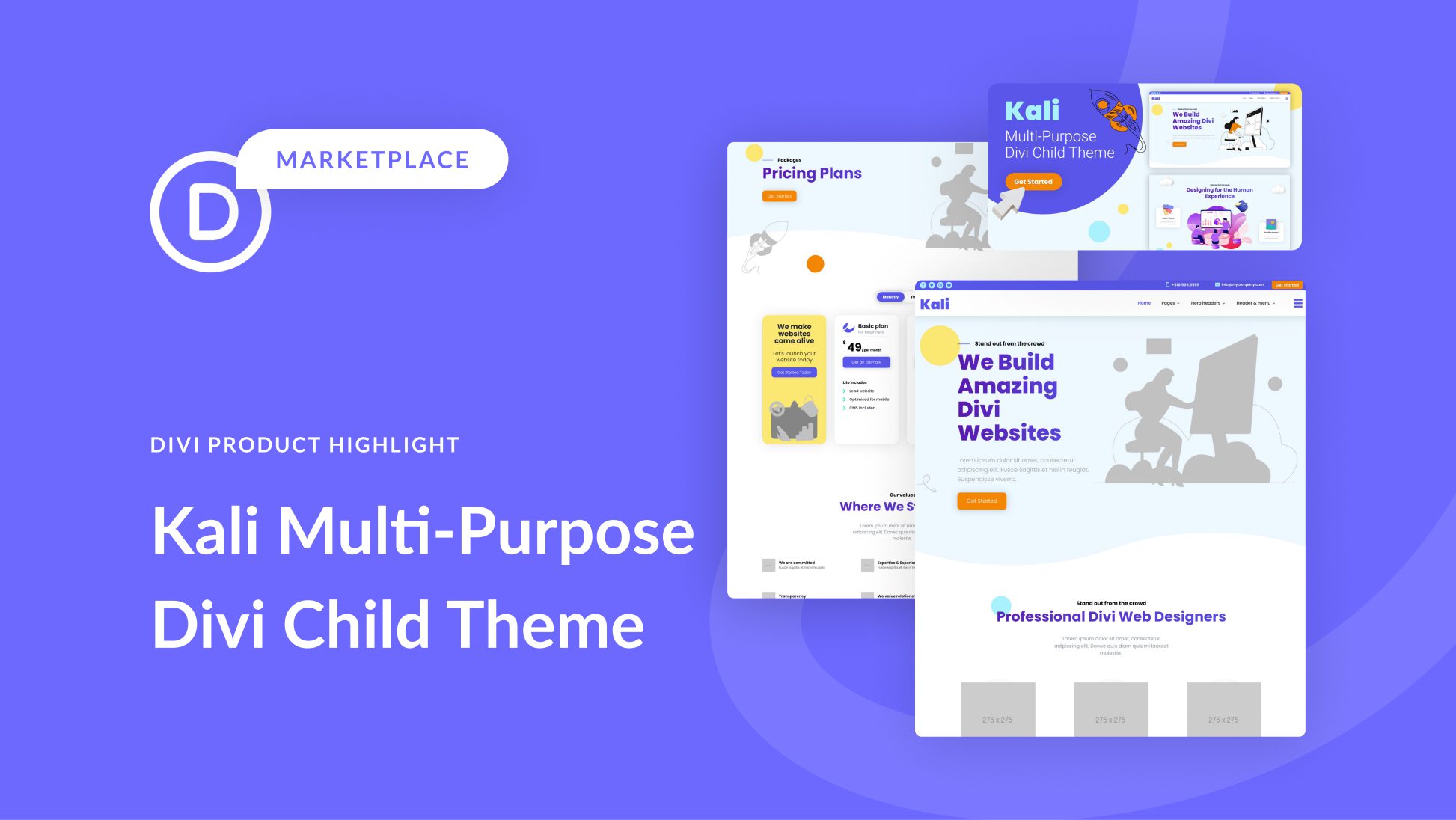
Introducing Kali: A Dynamic Divi Child Theme with 18 Distinctive Page Layouts
Kali, a versatile Divi child theme, stands out with its multiple applications and an impressive array of 18 exquisitely crafted pages. Tailored to meet the needs of diverse websites, particularly those in service-based industries, Kali showcases a contemporary and lively design. Infused with motion and interactivity, the theme offers a modern web experience. In this comprehensive review, we’ll delve into the features and functionalities of the Kali multi-purpose Divi child theme to help you determine its suitability for your requirements.
**Installation Process:**
To begin your Kali journey, ensure that you have Divi installed on your WordPress site. The theme author recommends installing Kali on a fresh WordPress setup, as it will overwrite the existing website. Navigate to the Themes page under Appearance in your WordPress dashboard and click Add New. On the Add Themes page, select the Upload Theme button, then choose the `kali-divi-child-theme.zip` file and click Install Now. After installation, activate the theme. Post-activation, you’ll find the Kali Demo Import tab in the Dashboard menu, facilitating a one-click import of all child theme content and settings. Execute the import by selecting Import Demo Content, and upon successful completion, you’re ready to roll – just replace the default content with your own!
**Page Layouts:**
Kali presents a wealth of professionally designed and customizable pages, totaling over 18, each boasting a clean, modern, and visually appealing design. Animated graphic elements adorn each page, creating an engaging user experience. Let’s explore the diverse page layouts included with the Kali multi-purpose Divi child theme.
**1. Kali Home Page:**
– A captivating hero section with loading animations.
– Services, call-to-action, featured services, and “featured on” sections.
– Dynamic central image section, about us, process steps, portfolio, testimonials, pricing plans, and contact section.
**2. Kali About Us Page:**
– Header section with a button.
– About us, team, values, and contact sections.
**3. Kali Services Pages (V1 and V2):**
– Header with a free estimate contact form.
– Service blurbs, values, and contact sections.
**4. Kali Single Service Page:**
– Header with a free estimate form.
– Service details, testimonials, team members, values, and contact sections.
**5. Kali Projects Page:**
– Header featuring screenshots.
– Projects, call-to-action, logos, values, and contact sections.
**6. Kali Single Projects Page:**
– Detailed project information, screenshots, features, challenge and solution, about, values, and contact sections.
**7. Kali Pricing Page:**
– Header with a button and graphic elements.
– Pricing table with toggle options, values, and contact sections.
**8. Kali Testimonials Page:**
– Header, large testimonial blurbs, values, and contact sections.
**9. Kali Blog Pages (V1 and V2):**
– Header with a search bar.
– Featured post, latest articles, newsletter sign-up, blog posts organized by category, and contact sections.
**10. Kali Contact Us Page:**
– Graphic header, contact information blurbs, and contact section.
**11. Kali Thank You Page:**
– Header, text and image section, contact information blurbs, recent blog articles, and contact section.
**Theme Builder Templates:**
Kali also includes theme builder templates for specific layouts.
**1. Kali Blog Post Layout:**
– Header with blog title, meta information, and a featured image.
– Blog post, newsletter sign-up box, and contact section.
**2. Kali Blog Category Layout:**
– Header with the category title.
– Blog posts displayed in a grid layout with read more buttons, and contact section.
**3. Kali 404 Page Layout:**
– Centered image, text, and a button redirecting users back to the home page.
**Header and Menu Layouts:**
Choose from three distinct header and menu layouts with Kali.
**1. Kali Header and Menu Layout V1:**
– Blue secondary menu with social media icons, contact information, and a call-to-action button.
– Primary menu with a logo, right-aligned menu items, and a custom slide-in accessible via a hamburger menu.
**2. Kali Header and Menu Layout V2:**
– Simplified design without a secondary menu.
– Logo, right-aligned menu, call-to-action button, and a hamburger menu icon for a custom slide-in.
**3. Kali Header and Menu Layout V3:**
– Simplified secondary menu design with centered text and a call-to-action button.
– Primary menu with a logo, right-aligned items, and a hamburger icon for the custom slide-in.
**Custom Slide-In Section:**
Kali rounds off its offerings with a versatile custom slide-in section, providing flexibility for various purposes.
In conclusion, the Kali multi-purpose Divi child theme impresses with its comprehensive set of features, visually appealing designs, and flexibility. Whether you’re building a service-oriented website or showcasing your portfolio, Kali provides a user-friendly and aesthetically pleasing solution for your WordPress site.
