

537
DiviMenus, a third-party plugin for Divi, offers a versatile menu-building solution that empowers users to create customized menus, replacing the default WordPress menus. Recently, the plugin received an update introducing a new module designed for crafting mega menus, dropdowns using WordPress menus, and various innovative navigation styles. In this comprehensive review, we’ll explore the capabilities of DiviMenus using the Divi Popup Picnic Layout Pack, aiding you in determining whether this plugin aligns with your specific requirements.
Before delving into the module’s intricacies, let’s outline some key features that you can anticipate when using the DiviMenus plugin:
Key Features
DiviMenus comprises two distinct modules: “DiviMenus” and “DiviMenus Flex.” Users can choose the module that best suits their needs and allocate link types to menu items. Noteworthy is the ability to toggle entire Divi Sections as a Tabs module, allowing the revelation of layouts stored in the Divi Library as Popups or Mega Menus. Additionally, users can unveil WordPress Menus stored in Appearance > Menus as Collapsible Dropdown Menus. These advanced features are fully customizable, providing flexibility tailored to your specific requirements.
Free Layouts
Upon signing up, DiviMenus provides users with a collection of free layouts. Let’s explore a few examples:
Example #1
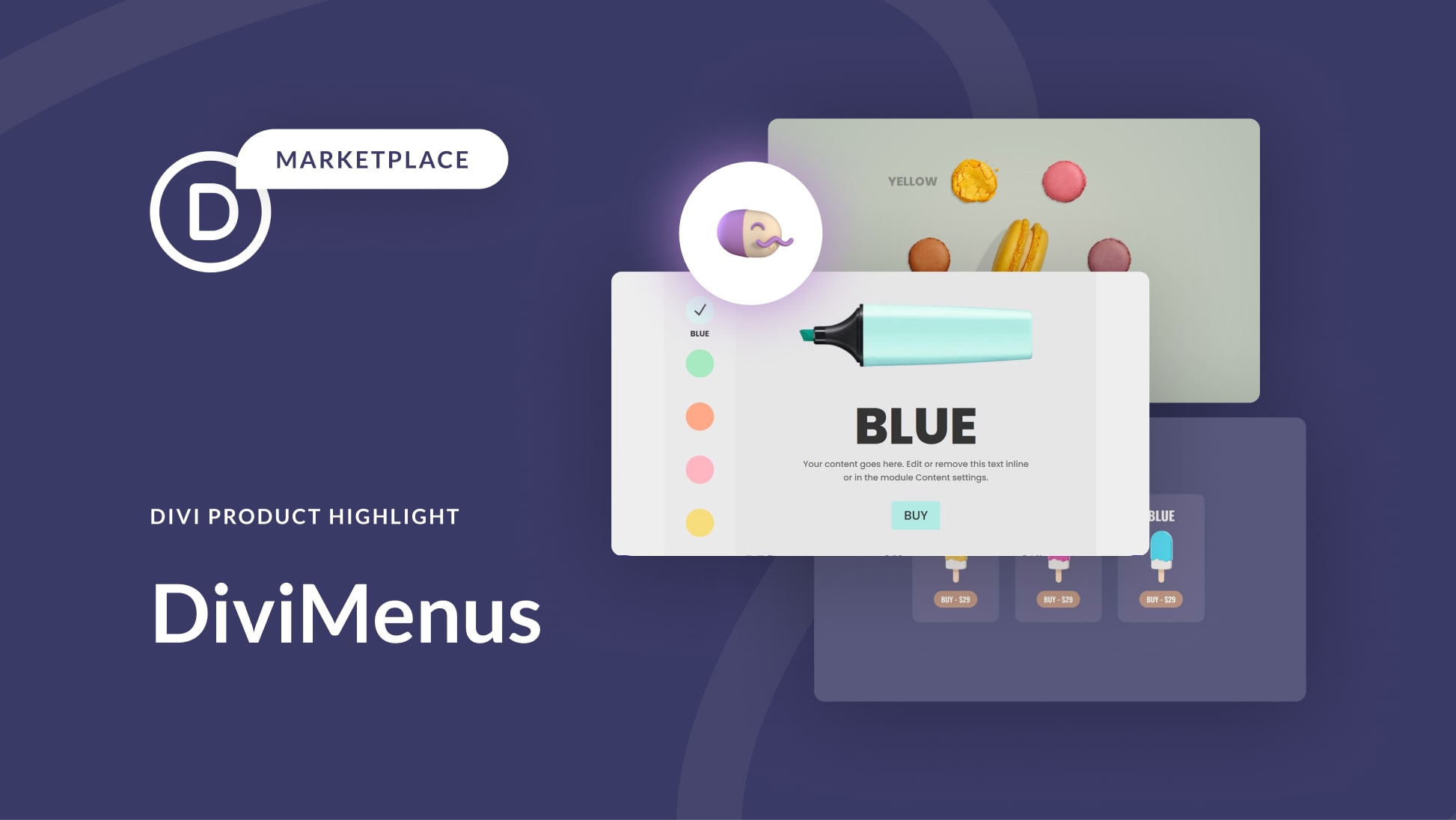
The first layout example showcases the ability to highlight different marker colors on click. Experience the demo here.
Example #2
In the second example, users can reveal content by clicking on images displayed in a circular shape. Explore the live demo here.
Example #3
The last example allows users to switch between Divi Sections by recreating a versatile Tab module. View the live demo here.
DiviMenus Modules
DiviMenus introduces two modules to the Divi Builder: the original “DiviMenus” module and the new “DiviMenus Flex” module. The former includes submodules for each menu item, offering options to adjust the menu’s shape, opening behavior, button type, title, icons, URLs, and more. The default appearance features a hamburger icon within a gray circle, catering to various menu styles such as click or hover interactions, floating menus, mega menus, and more. The submodule allows users to add items to the menu, each individually stylable. Customization options extend to menu item colors, sizes, borders, spacing, and other design aspects through the Design tab.
DiviMenus Settings
The settings within DiviMenus afford users control over the menu’s layout, open state, display properties, and menu button attributes. Options include choosing between horizontal, vertical, or circular layouts, adjusting open states, equalizing heights for opened and closed states, and bringing the menu to the front. The Circular option introduces further alignment choices, such as a full circle or semicircle, with specific locations like top or left. Users can customize the menu button, including using icons, images, or text, and decide its position within the open menu. Additional settings cover the menu button title, menu items’ appearance, and overall design settings for colors, sizes, borders, and more.
Building Popups and Mega Menus with DiviMenus
Each submodule within DiviMenus includes a section dedicated to links, allowing users to specify URLs, define link behavior, enable or disable links, and choose the link type.
Link Types
DiviMenus supports various link types, including URL, Popup, and Show. The URL link type directs users to a specified page, while Popup enables the selection of a layout from the Divi library to display as a popup. The Show link type provides advanced settings to show or hide elements, incorporating CSS options for element binding.
DiviMenus Flex
The latest addition to DiviMenus is the “DiviMenus Flex” module, utilizing CSS flexbox and the Sub Link Type to create mega menus and dropdowns. This module seamlessly integrates with WooCommerce and Easy Digital Downloads, displaying the number of items in the shopping cart. Users can add multiple menu items with ease.
DiviMenus Flex Settings
The settings for DiviMenus Flex include options for direction (horizontal or vertical), logo integration with clickability, menu button customization, and content type selection (icon, image, or text). Users can configure the appearance of the menu button, including positioning, hiding, disabling, and applying hover effects. Text options within this module allow users to enter custom text, add icons or images to the button, and more.
With DiviMenus, users have a powerful tool at their disposal for crafting dynamic and visually appealing menus, whether it’s for popups, mega menus, or dropdowns. The extensive customization options make it a valuable asset for Divi users seeking enhanced control over their website navigation.
